Best Canva Apps 2026: What Should You Actually Use?
The best Canva apps in 2026 for social media managers: AI tools, scheduling integrations, brand management, video, and productivity apps that are actually worth installing.

Lauren Patterson
//
CEO & Co-founder

If you use Canva every day but haven't opened the Apps Marketplace since you first set up your account, you're working harder than you need to.
I get it. When you're pushing out content for multiple brands, you don't have a spare afternoon to browse an app store. So I’ll save you the browsing. The marketplace has hundreds of apps now, and most of them are forgettable. These are the ones that earn a permanent spot in a social media manager's workflow.
Quick definition for anyone new here: Canva apps are integrations and tools that live inside the Canva editor. You find them in the Apps tab in the left sidebar, connect them once, and they work directly inside your designs. No exporting, no tab-switching.
Here's what's worth your time in 2026, by category.
Best Canva Apps: AI design and copy tools
ChatGPT for Canva
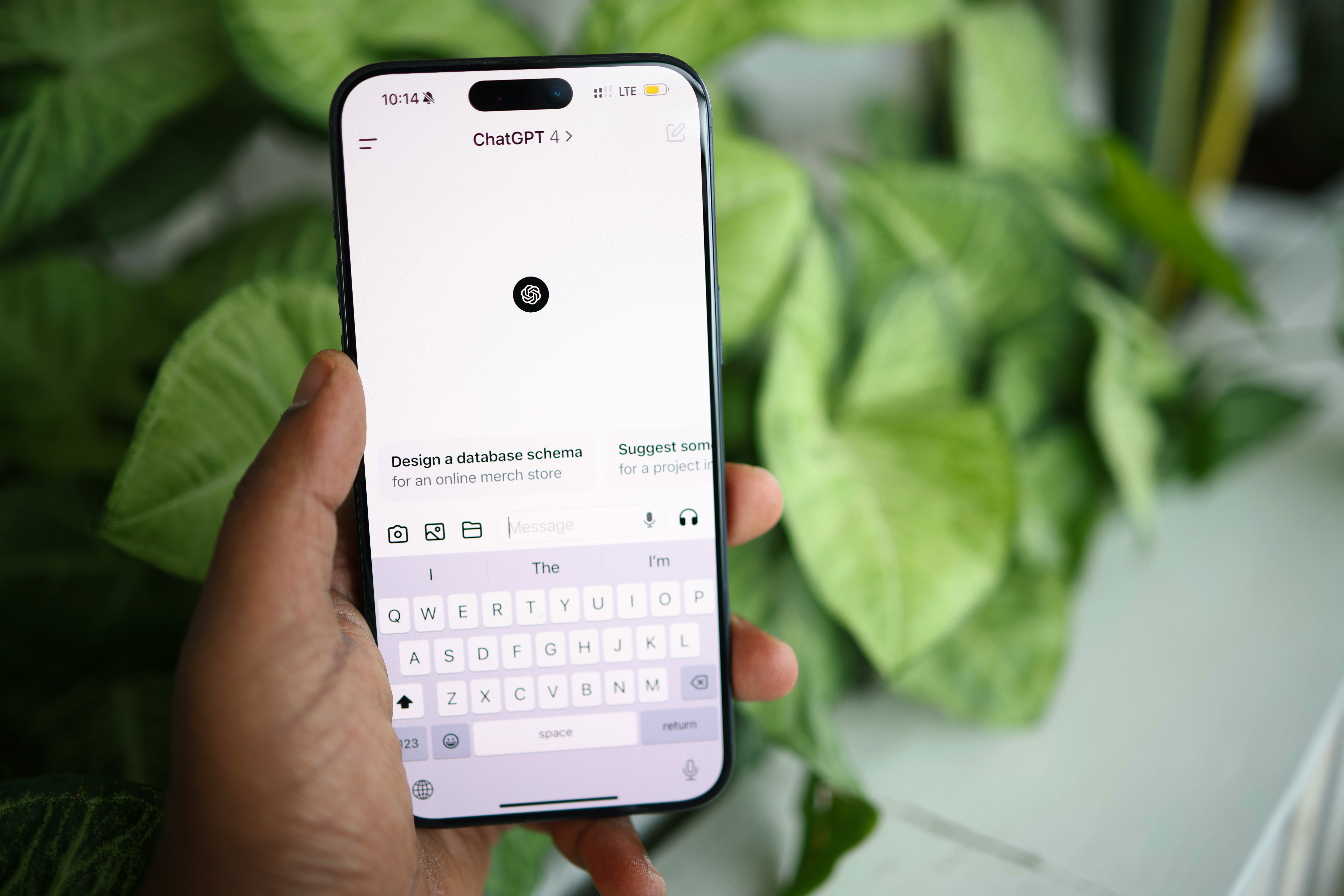
Canva and ChatGPT now talk to each other in both directions. Connect the app once, and you can trigger Canva from inside ChatGPT by typing @Canva with a prompt, or pull ChatGPT into your design workflow without leaving the editor.
The practical use case for social media managers is speed on first drafts. Caption variations, hook rewrites, resizing copy for different platforms. It won't replace your voice (please don't let it), but it kills the blank-page problem.
Magic Media and Magic Morph
These are Canva's native AI tools rather than third-party apps, but they live in the same Apps tab and most people still haven't touched them. Magic Media generates images and video clips from text prompts, which is handy for placeholder visuals and concept comps you'd otherwise pull from a stock library. Magic Morph applies AI-generated textures and styles to text and objects. It works best on bold, heavy fonts, so don't expect miracles on thin type.
My honest take: use these for internal mockups and quick concepts. For anything client-facing, AI-generated imagery still needs a human pass.
Best Canva Apps: Social media scheduling
This category matters most if you're a social media manager, because it closes the gap between "design is done" and "post is live."
Metricool
Design in Canva, schedule in Metricool, and skip the download-upload loop entirely. Metricool also folds analytics and reporting into the same tool, which matters if you're managing multiple brands and need to show clients what performed.
Loomly
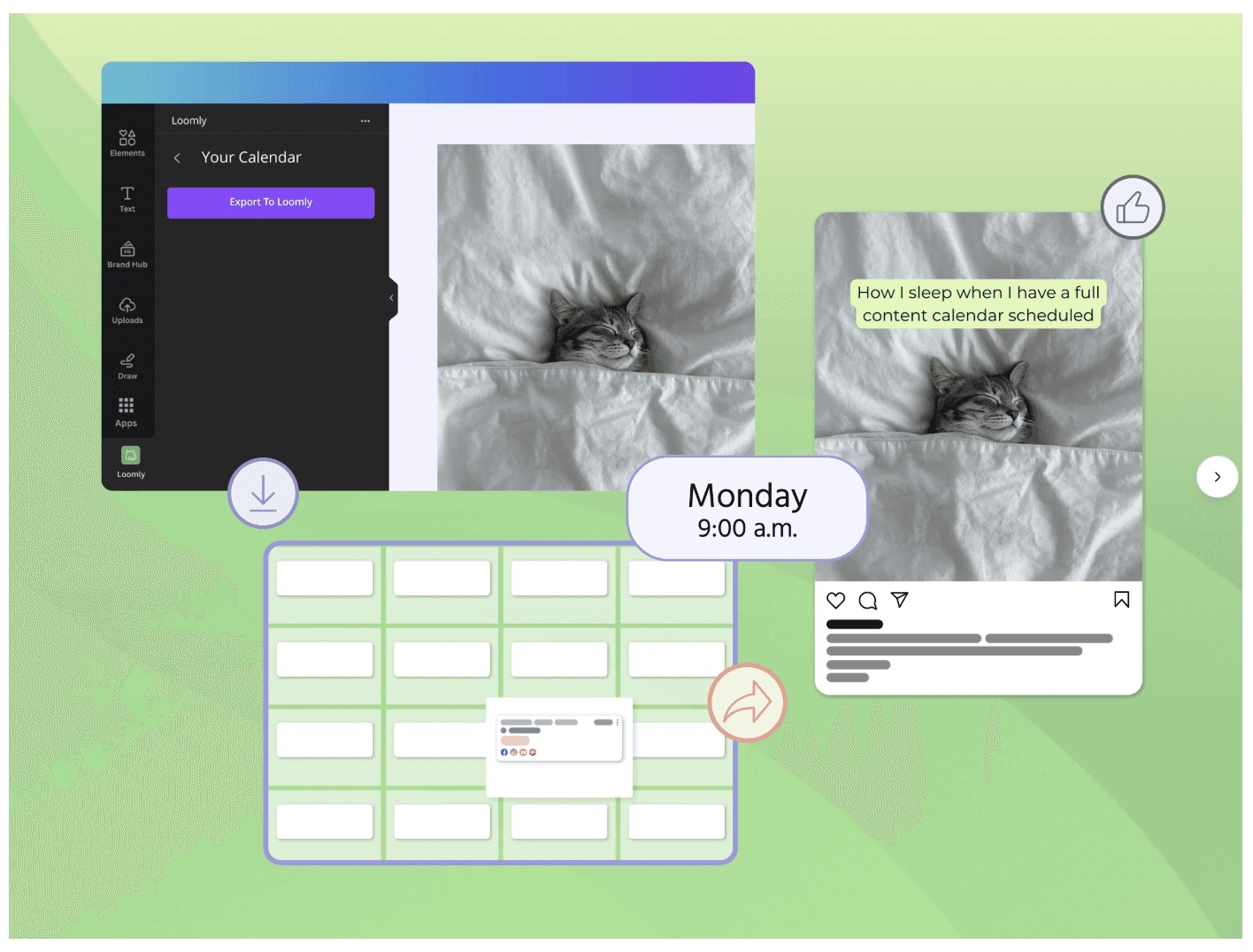
Loomly's Canva integration sends your finished designs straight into your Loomly library, where your content calendar, approval workflows, and scheduling live. If you work with clients who need to approve everything before it posts (most of mine do), this is the smoother setup.
Pick one, not both. The point is fewer steps between the design and the feed.
Best Canva Apps: Brand management
Brandfetch
This one solves a problem you've had a hundred times: you need another company's logo, clean, high-res, on a transparent background, and you're twenty minutes into a Google image search finding nothing but pixelated garbage.
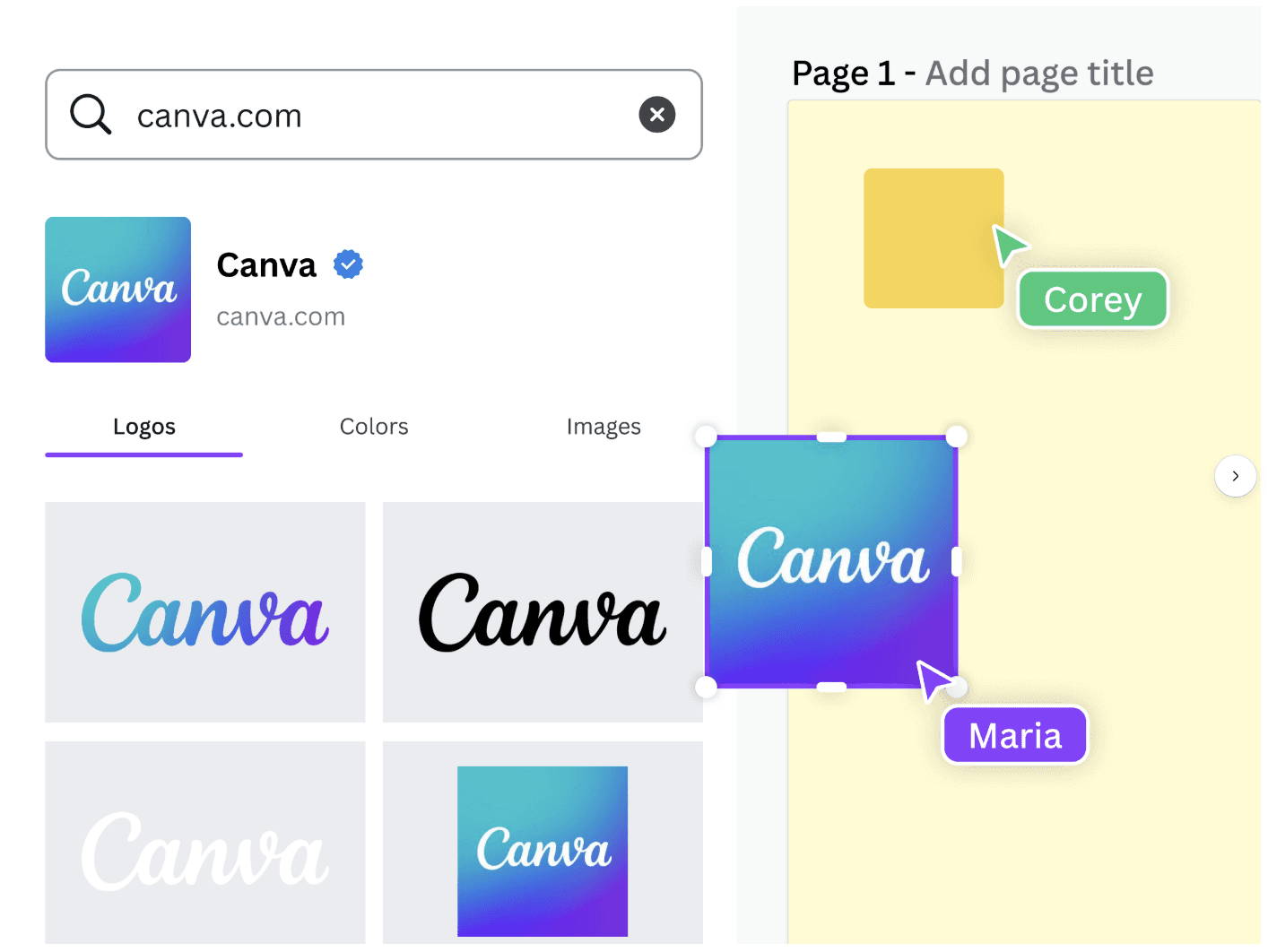
Brandfetch is a database of millions of brand logos, colors, and assets, searchable right inside Canva. Type the brand name, drop the logo into your design, done. It's free on any Canva plan, and it handles smaller brands surprisingly well. If you build partner announcements, client roundups, or "featured in" graphics, install this today.
(Pair it with Canva's native Brand Kit for your own assets. Brandfetch handles everyone else's.)
Best Canva Apps: Video and animation
HeyGen AI Avatars
HeyGen's Canva integration got a significant update in 2026, and it's the one I'd point to if you're curious where AI video is actually useful. You can generate avatar-led video inside Canva, sync custom avatars, and upload your own audio. For training content, onboarding, or talking-head style social video where nobody has time to film, it's legitimately practical now.
Would I use it for a brand's hero content? No. For scaled, functional video? Yes.
LottieFiles
Over 100,000 ready-made animations you can drop into any design. Subtle motion is one of the cheapest ways to make a static post stop the scroll, and Lottie animations are lightweight enough that they don't turn your file into a brick. This is the app I'd recommend to anyone whose feed is starting to feel flat.
Murf AI
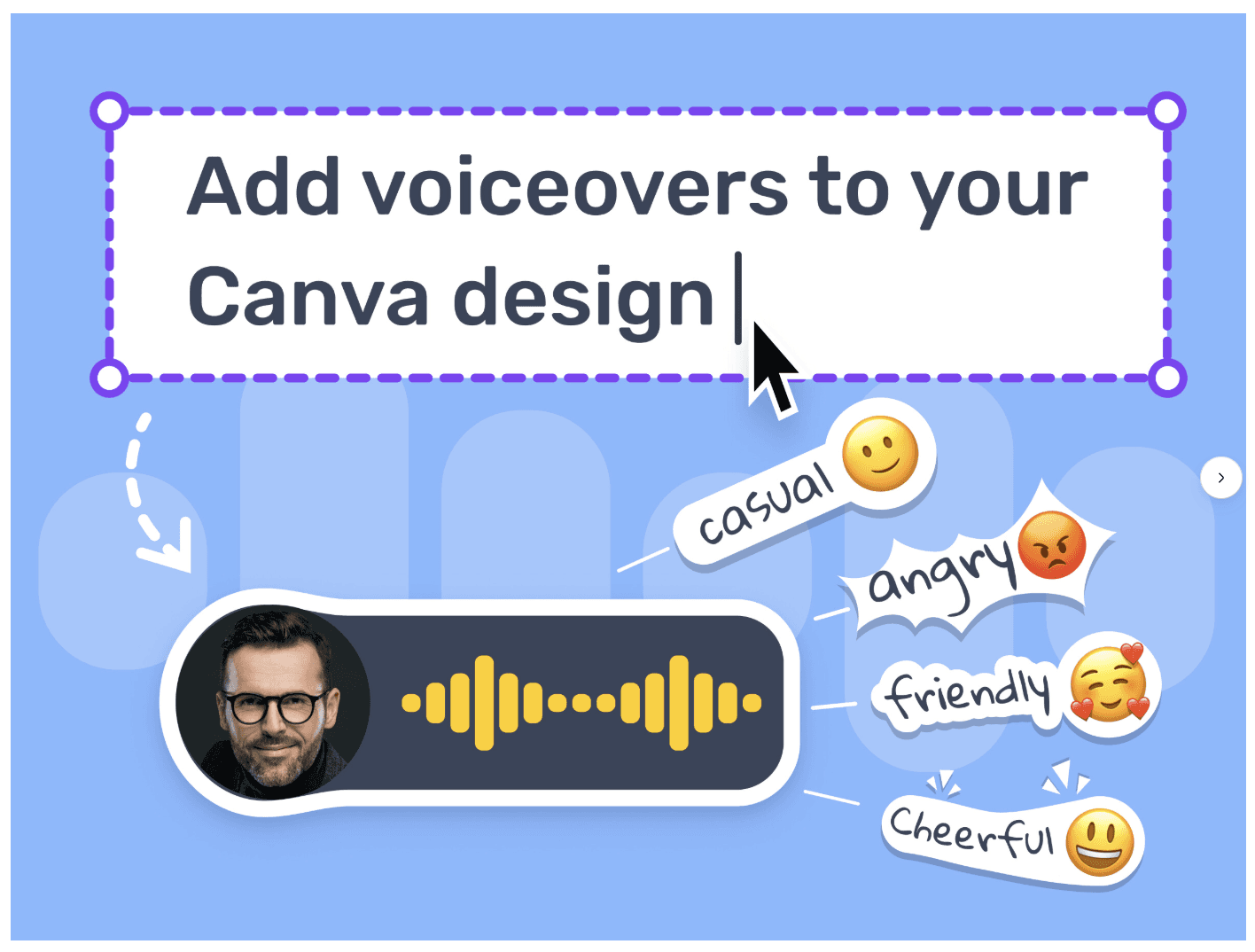
Voiceover generation with a real range of voices, languages, and tones. If you're producing short-form video at volume and can't record audio for every single clip, this covers the gap.
Best Canva Apps: Productivity
Mockups
Turn any design into a product mockup in seconds. Shirts, phone screens, packaging, book covers. If you do anything adjacent to e-commerce or you just want your client's app screenshot to live inside an actual phone, this saves you from buying mockup templates elsewhere.
QR Code (and Dynamic QR Codes)
QR codes are boring until you need one at 4:55 pm for a flyer going to print tomorrow. The basic QR Code app generates one in seconds. Dynamic QR Codes let you match the code to brand colors and add a logo, so it doesn't look like a barcode got lost on your design.
Flourish
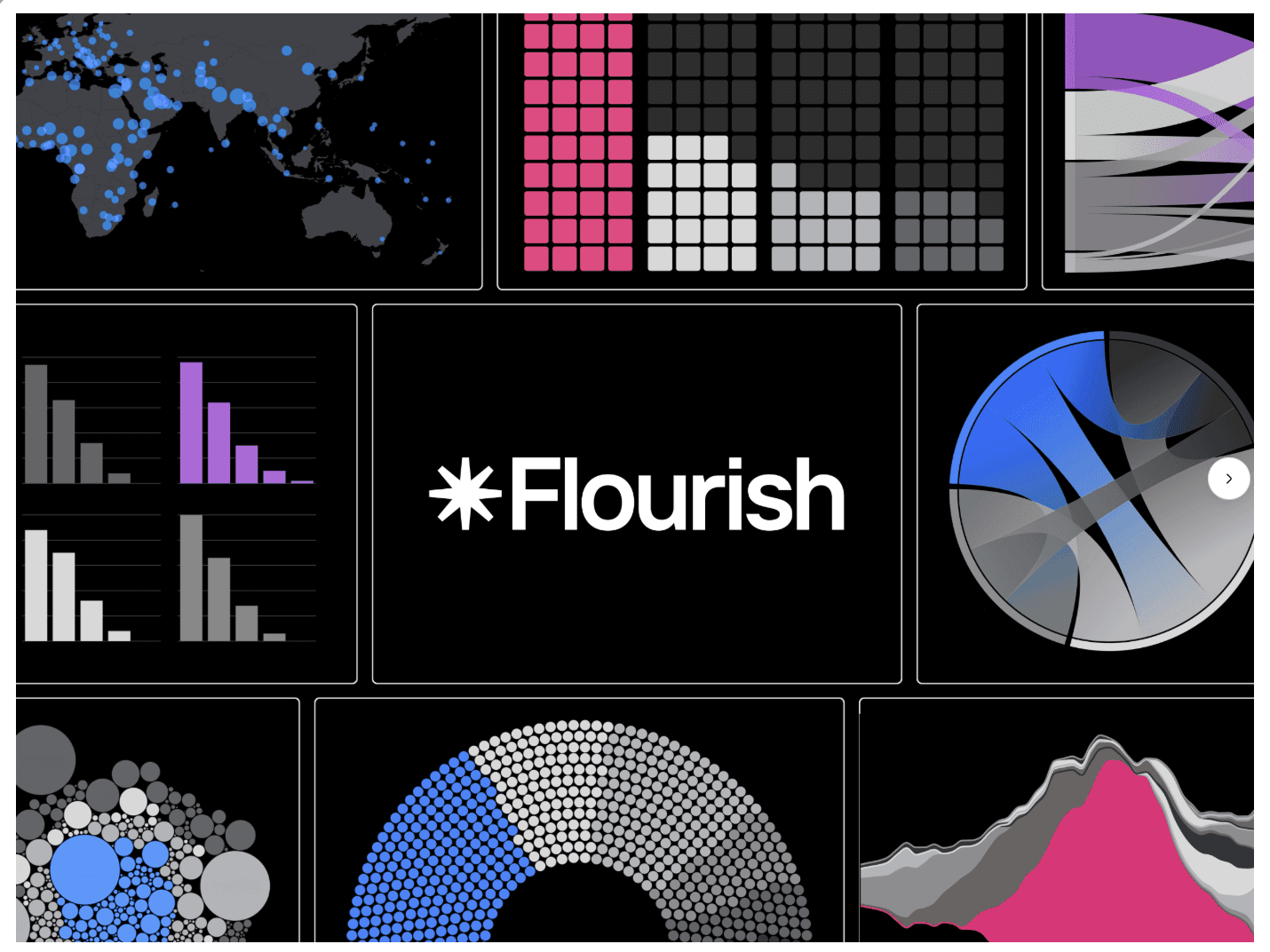
Interactive charts, maps, and data visualizations embedded directly in your Canva designs. If you build reports, presentations, or any content where the data is the story, Flourish makes it look like you have a data viz person on staff. You don't. That's the point.
How to choose which Canva apps to install
Don't install all eleven. Install the ones that remove a step you take every week.
If you schedule social content daily, start with Metricool or Loomly. If you build content for multiple brands, Brandfetch. If your feed needs motion, LottieFiles. One app that removes a real bottleneck beats ten that seemed neat in the moment (your Apps tab is not a junk drawer, even though mine occasionally looks like one).
FAQ
Are Canva apps free?
Many are, including Brandfetch and Canva's native AI tools within your plan limits. Apps tied to outside platforms, like Metricool, Loomly, HeyGen, and Murf, generally require an account with that service, and their paid features follow that service's pricing.
Where do I find Canva apps?
Open any design and click the Apps tab in the left sidebar, or browse the full Apps Marketplace at canva.com/apps. Connect an app once, and it stays available across your designs.
Are Canva apps safe to connect?
Apps in the marketplace are reviewed against Canva's security requirements, and each app's listing shows exactly what it can access. Still worth a glance at the permissions before you connect anything, the same way you would with any integration touching client accounts.
What's the best Canva app for social media managers?
If we had to pick one: whichever scheduling integration matches your existing tool, because it removes the most repeated step in your week. If you don't use a scheduler through Canva yet, Metricool is the fastest win.
More blogs.
Explore our collection of insights — from quick, actionable tips to in-depth explorations of design, development, and the evolving world of digital work.